

Compare two texts instantly and highlight added, removed, or modified content using a fast and reliable text difference tool—no manual checking required.
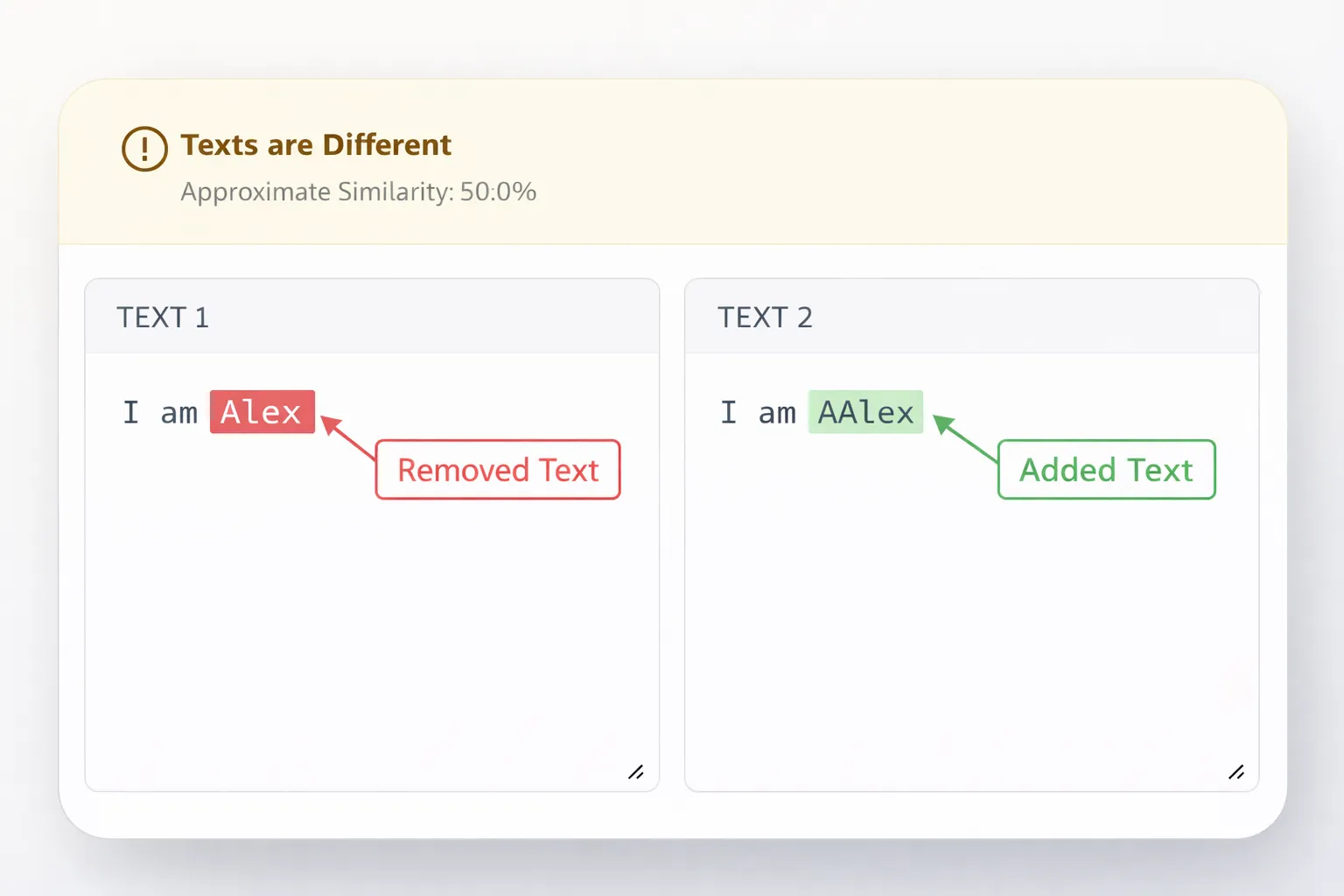
The fastest way to compare two texts is by using an online text difference checker that highlights added, removed, and modified content automatically.
This is especially useful when reviewing documents, code, or revised content where small changes matter.
Manually comparing text is slow and unreliable. Small changes such as missing punctuation, extra spaces, or word replacements are easy to miss—especially in long documents, code files, or revised content. An online text comparison tool solves this by analyzing both texts instantly and clearly showing every difference.
👉 Use the Text Difference Tool below to compare two texts and instantly spot differences.
A text difference checker is a tool that compares two versions of text and highlights the exact differences between them.
It identifies:
Unlike manual comparison, a text difference checker evaluates every character consistently, making it ideal for documents, source code, and content revisions.
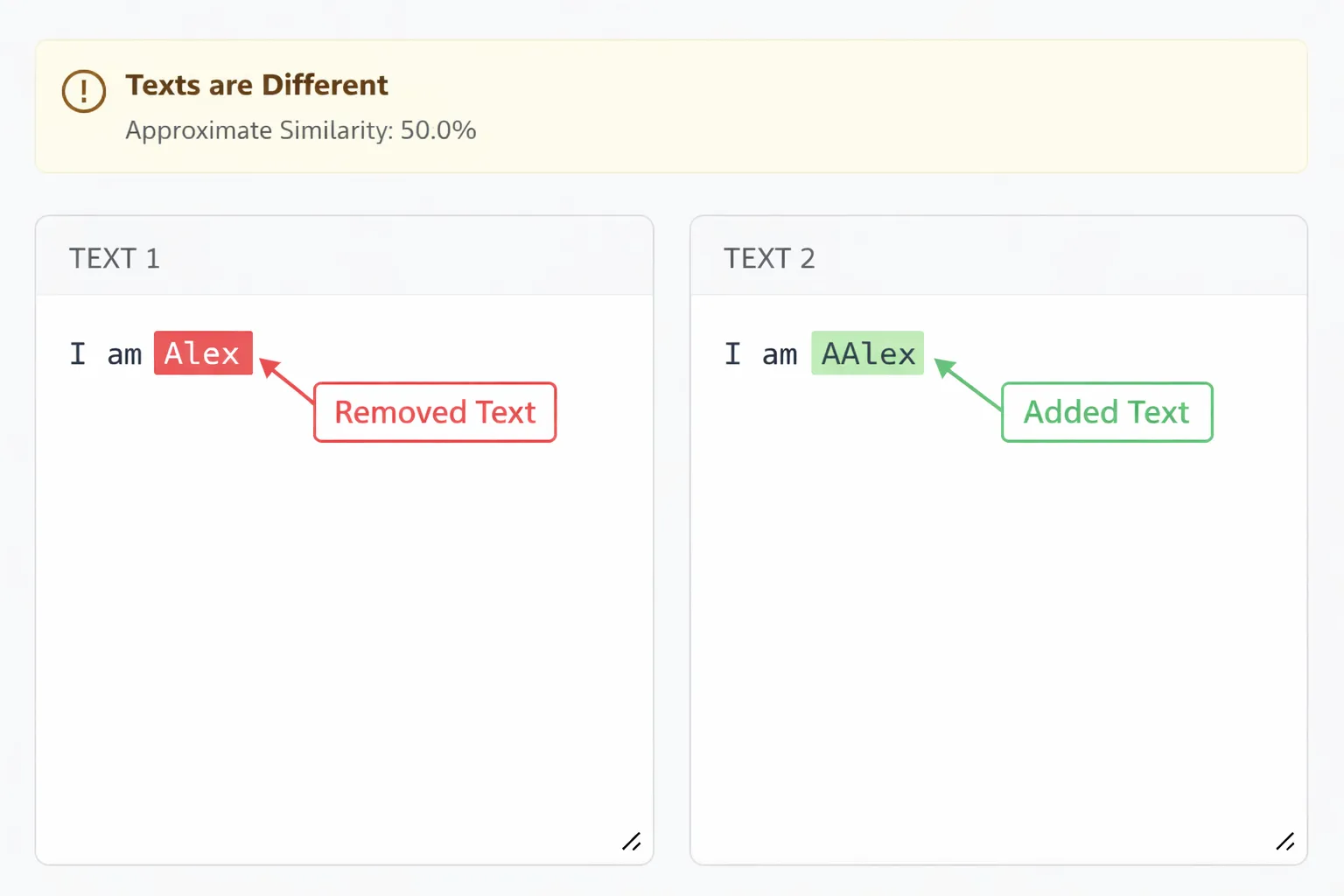
A text comparison tool works by analyzing two text inputs and detecting changes at the character and word level.
Steps involved:
This structure allows users to understand changes immediately without rereading the entire document.
Online text comparison tools are faster, more accurate, and easier to use than manual checking.
When the tool runs in the browser, the text remains private and is not uploaded to any server.
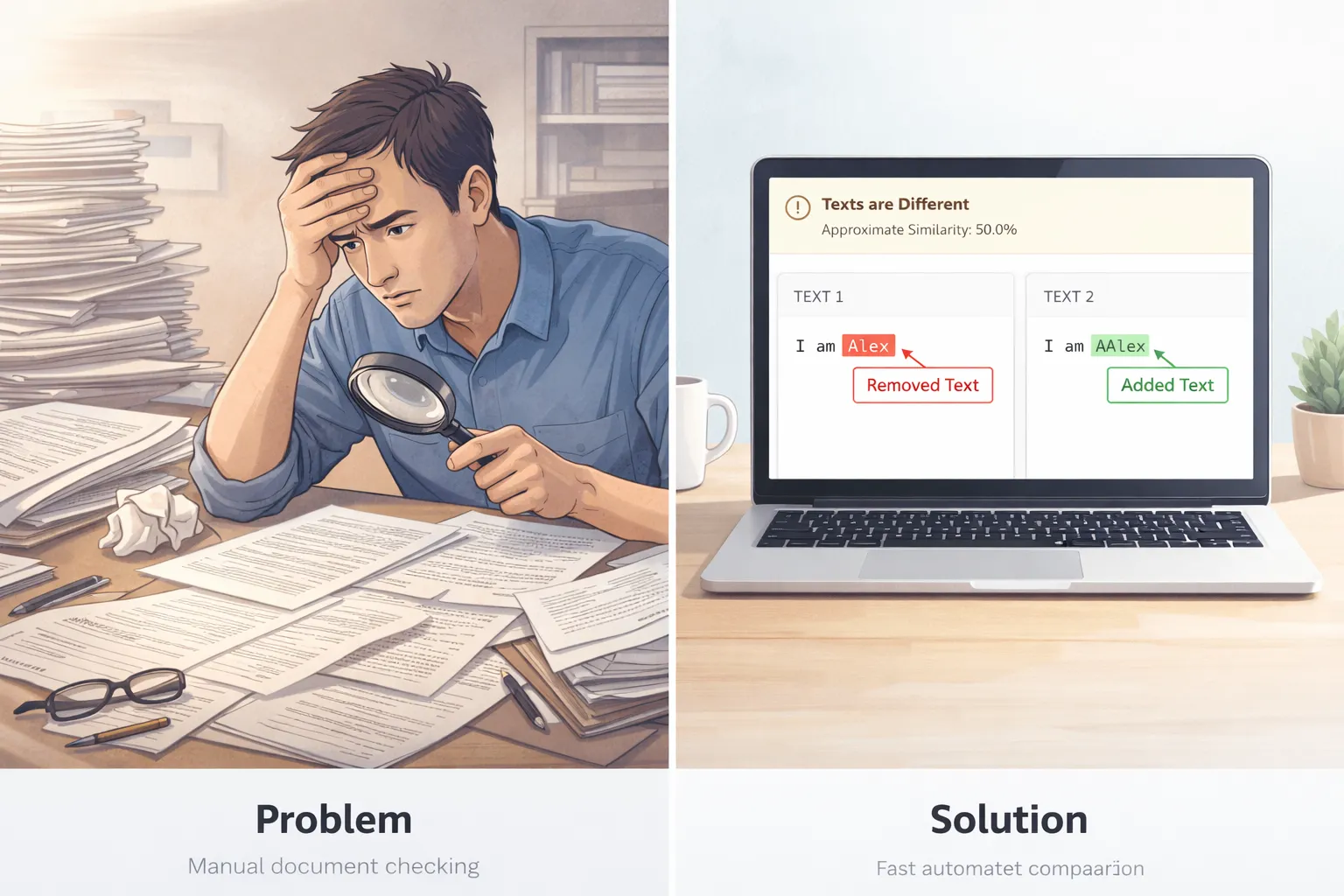
A text comparison tool fits naturally into many professional workflows where accuracy and clarity matter.
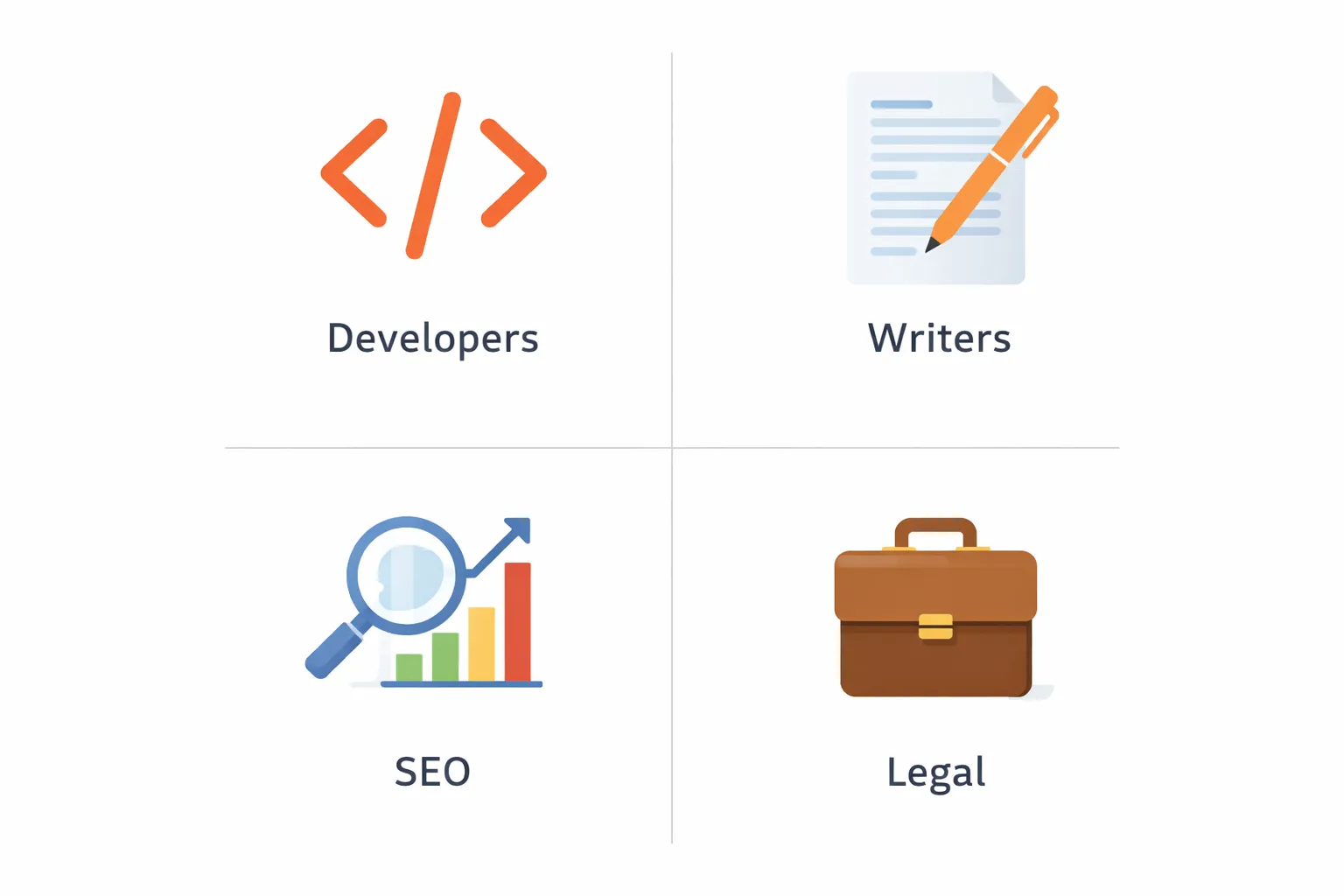
Developers and programmers commonly use text comparison to review code snippets, configuration files, or output logs to identify what changed between versions. When working with structured data, formatting both versions with a JSON formatter before comparison makes differences easier to read and understand.
Writers and editors rely on text comparison to review changes between drafts and final versions, ensuring important content has not been removed or altered unintentionally. After comparing two drafts, checking the word count or character count helps confirm whether the content length has changed significantly.
SEO teams use text comparison to validate content updates, review optimization changes, and measure how much text has changed after revisions or AI-assisted edits. In some cases, pairing comparison with a readability checker ensures updates do not negatively affect clarity or user experience.
Legal and administrative teams depend on text comparison when verifying that two versions of a contract, policy, or official document are identical before approval or submission, where even small differences can have serious consequences.
The best way to compare two texts is by using an online text difference checker that automatically highlights additions, deletions, and modifications.
You can compare two texts in Word using the built-in “Compare” feature, but online text comparison tools are usually faster and easier for quick checks.
Evaluating two texts involves comparing differences, checking content length, and reviewing clarity using word count and readability tools.
Analyzing two texts includes identifying content changes, structural differences, and readability impact using a combination of comparison and text analysis tools.
A text difference checker is the fastest and most reliable way to compare two texts accurately.
Instead of manually scanning documents or code, you can instantly highlight differences and move forward with confidence. Whenever you need a quick, free, and reliable solution, the text comparison tool on iloveweb.tools is always available.

Learn how to create perfect thesis statements with our free generator tool and expert tips. Get step-by-step guidance for academic success in essays, research papers, and dissertations.

Discover essential free text tools every college student needs for academic success. Learn how word counters, readability checkers, and formatting tools can streamline your writing process and improve grades.
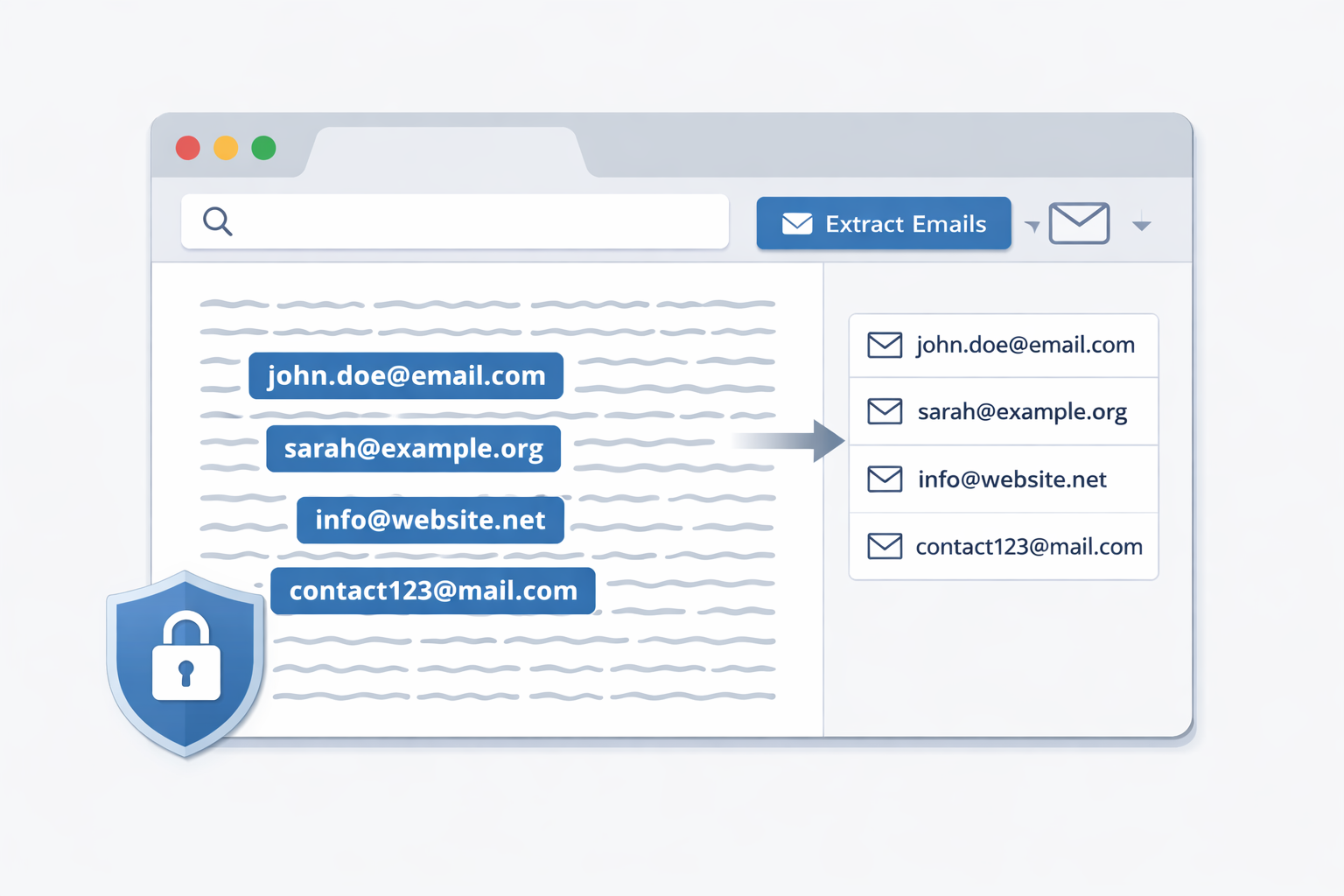
Extract email addresses from large blocks of text directly in your browser. This privacy-first guide shows how to safely extract emails without uploading or storing your data, using a client-side email extractor.