

Extract email addresses from large blocks of text directly in your browser. This privacy-first guide shows how to safely extract emails without uploading or storing your data, using a client-side email extractor.
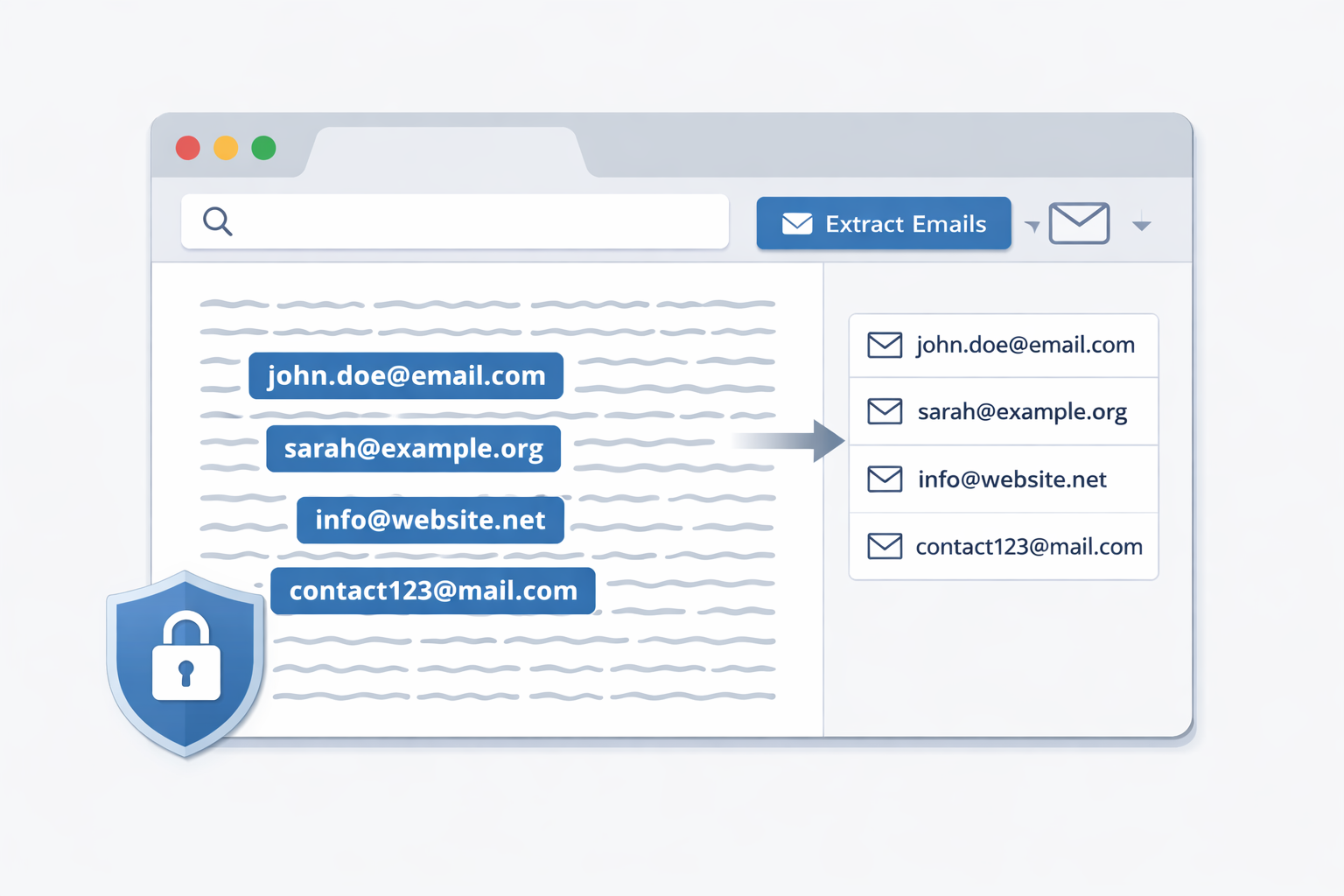
If you’ve ever copied a big chunk of text just to pull out email addresses, you already know the pain.
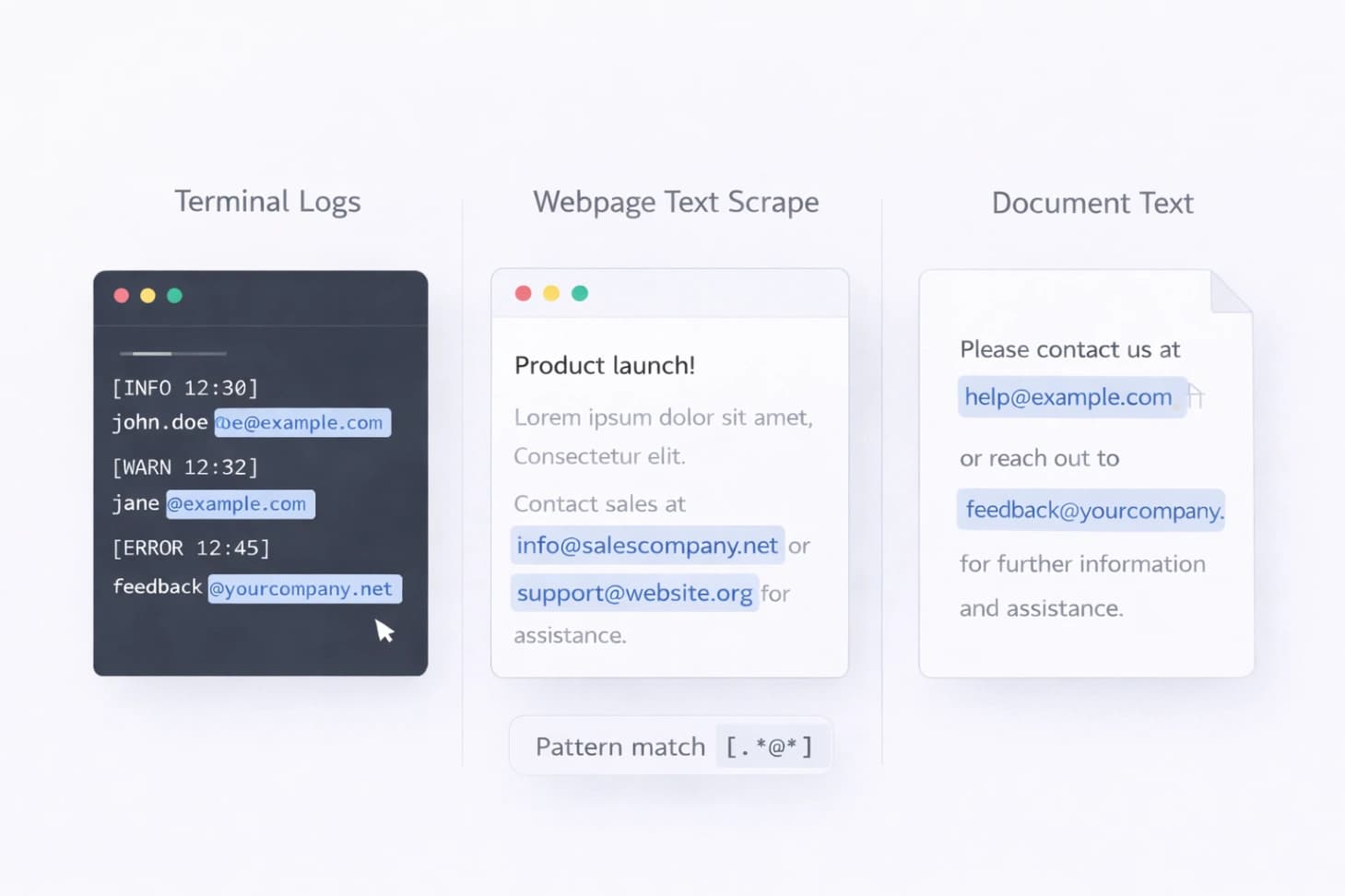
Logs. Scraped pages. Old documents. Emails are buried everywhere.
Manually finding them doesn’t scale. And uploading sensitive text to random online tools doesn’t feel safe either.
If you just want to do it right now, use the Email Extractor.
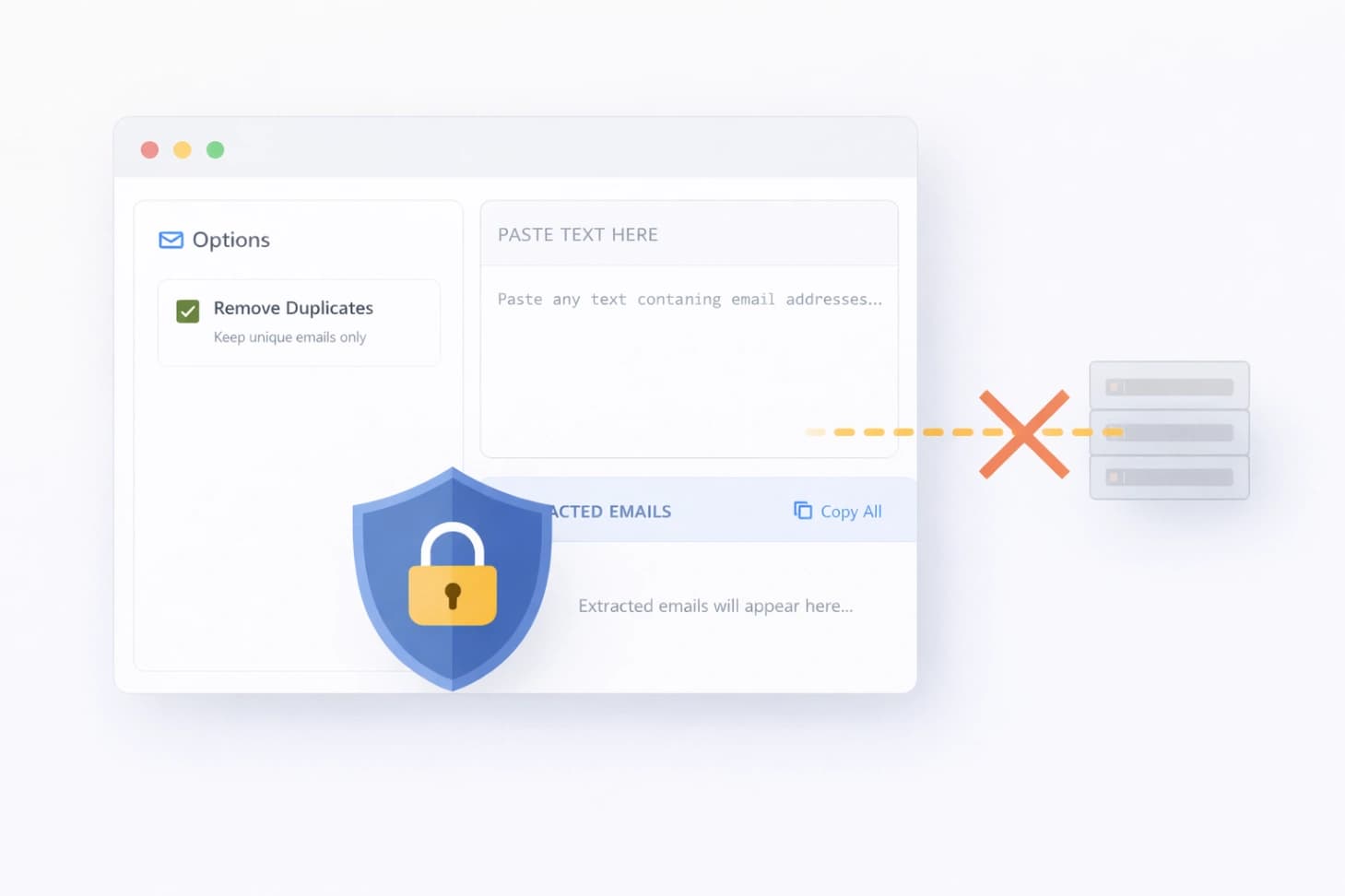
Most email extractor tools work like this:
That means:
For marketing lists, client data, or internal logs, that’s a real risk.
Client-side email extraction means:
Modern browsers are powerful enough to safely process large text files without relying on external servers.
This approach is especially useful if you:
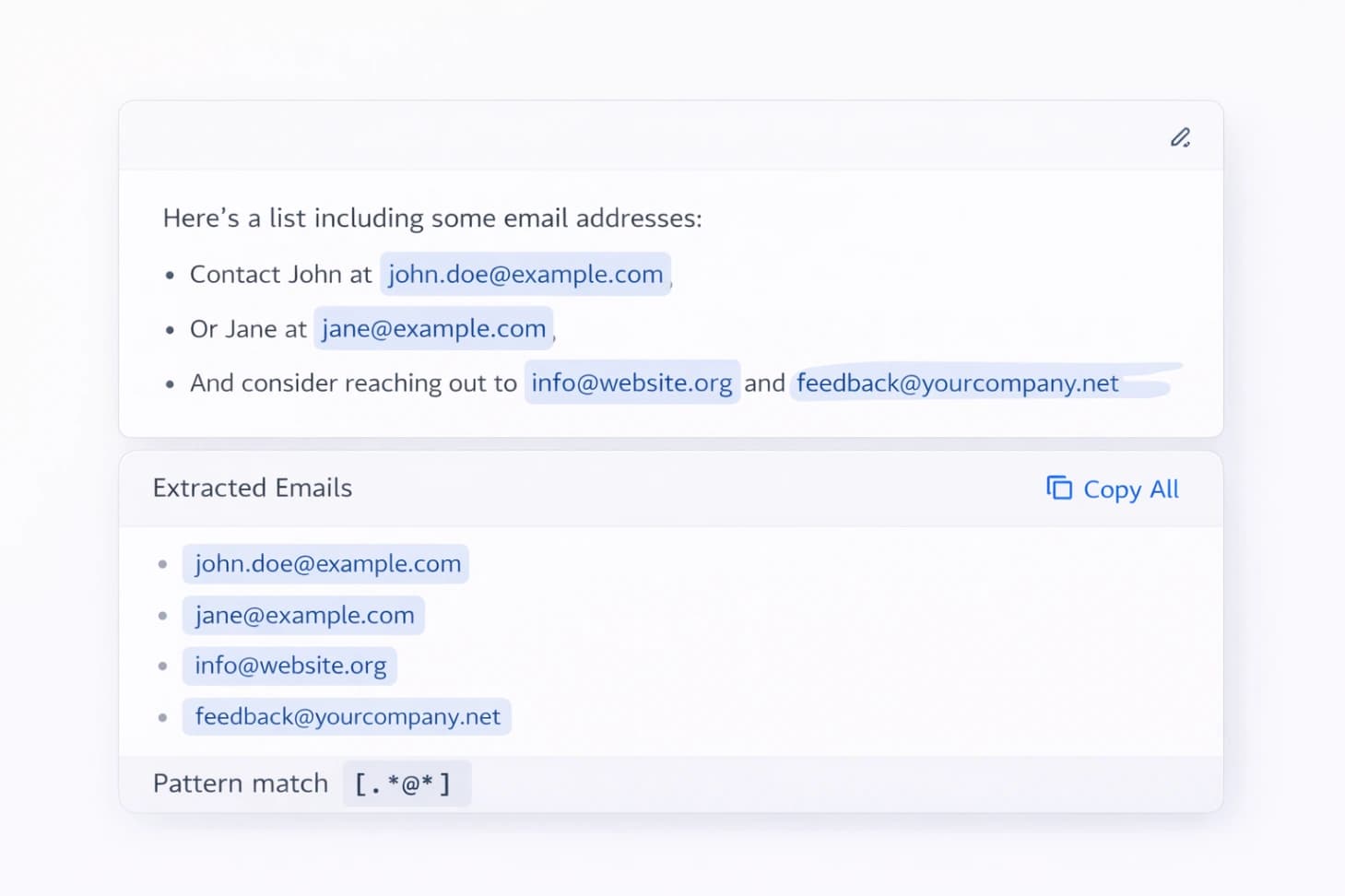
Under the hood, email extraction uses pattern matching.
Most tools rely on:
name@domain.com)Your browser scans the text line by line and pulls out anything that matches those patterns.
No guessing. No background uploads.
Yes — with practical limits.
Because everything runs in your browser:
This trade-off is intentional:
People use email extraction for more than just marketing.
Common examples include:
If you already work with text data, this saves time quickly.
If you’re working with raw text data, these tools often go together:
Use only what you need. No overload.
Short answer: Yes — for extraction itself.
Because:
Just remember:
Email extraction doesn’t need to be complicated. And it definitely doesn’t need to be risky.
If you’re working with large blocks of text and care about privacy, using a client-side email extractor is one of the safest options available.
Use it when you need it. Close the tab when you’re done.
Clean. Fast. Private.

Learn how to create perfect thesis statements with our free generator tool and expert tips. Get step-by-step guidance for academic success in essays, research papers, and dissertations.

Discover essential free text tools every college student needs for academic success. Learn how word counters, readability checkers, and formatting tools can streamline your writing process and improve grades.
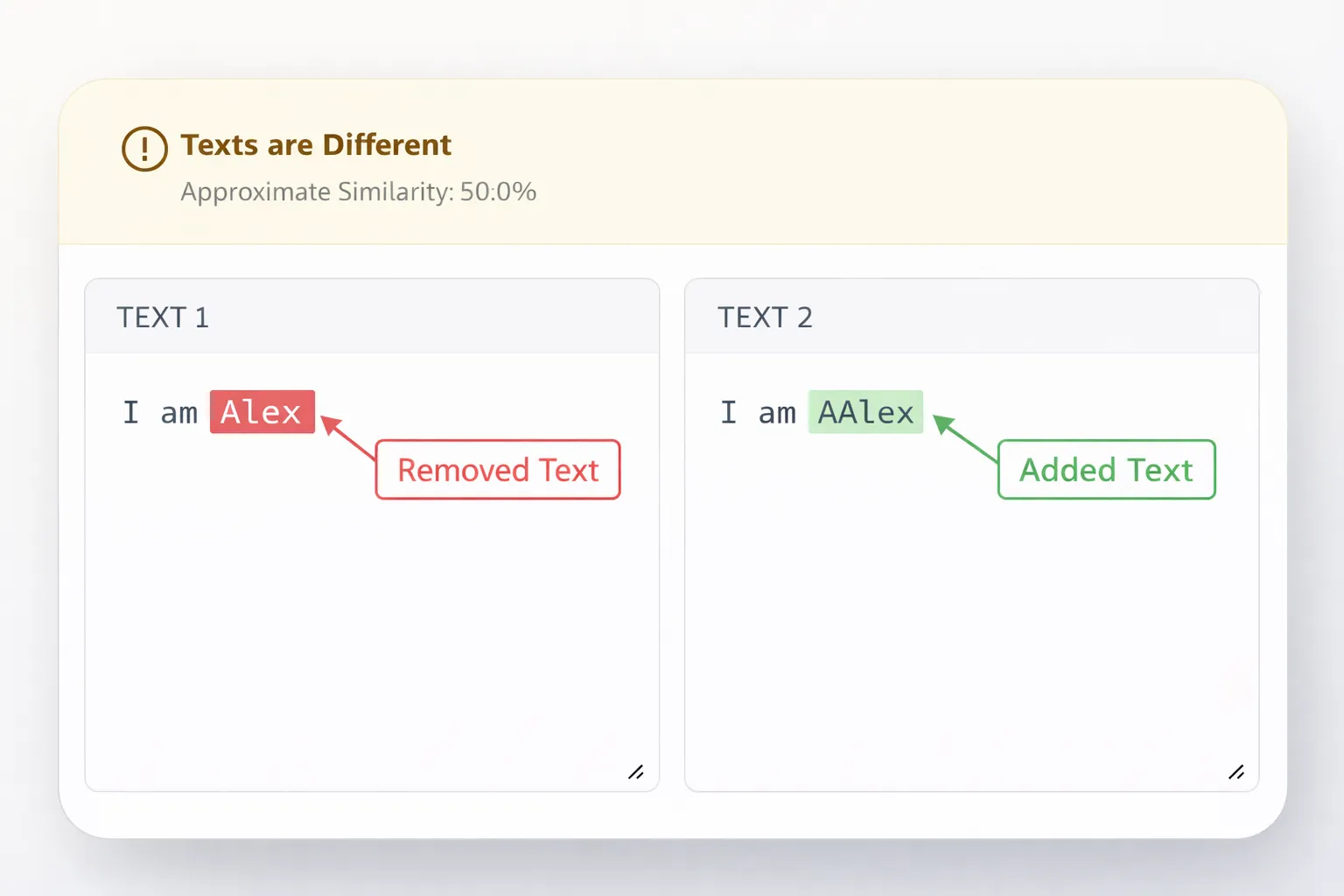
Compare two texts instantly and highlight added, removed, or modified content using a fast and reliable text difference tool—no manual checking required.