

Want to write backwards or create cryptic mirror messages? Discover how to use our Reverse Text Generator to flip words, create upside-down text, and stop the scroll on social media with unique formatting tricks.
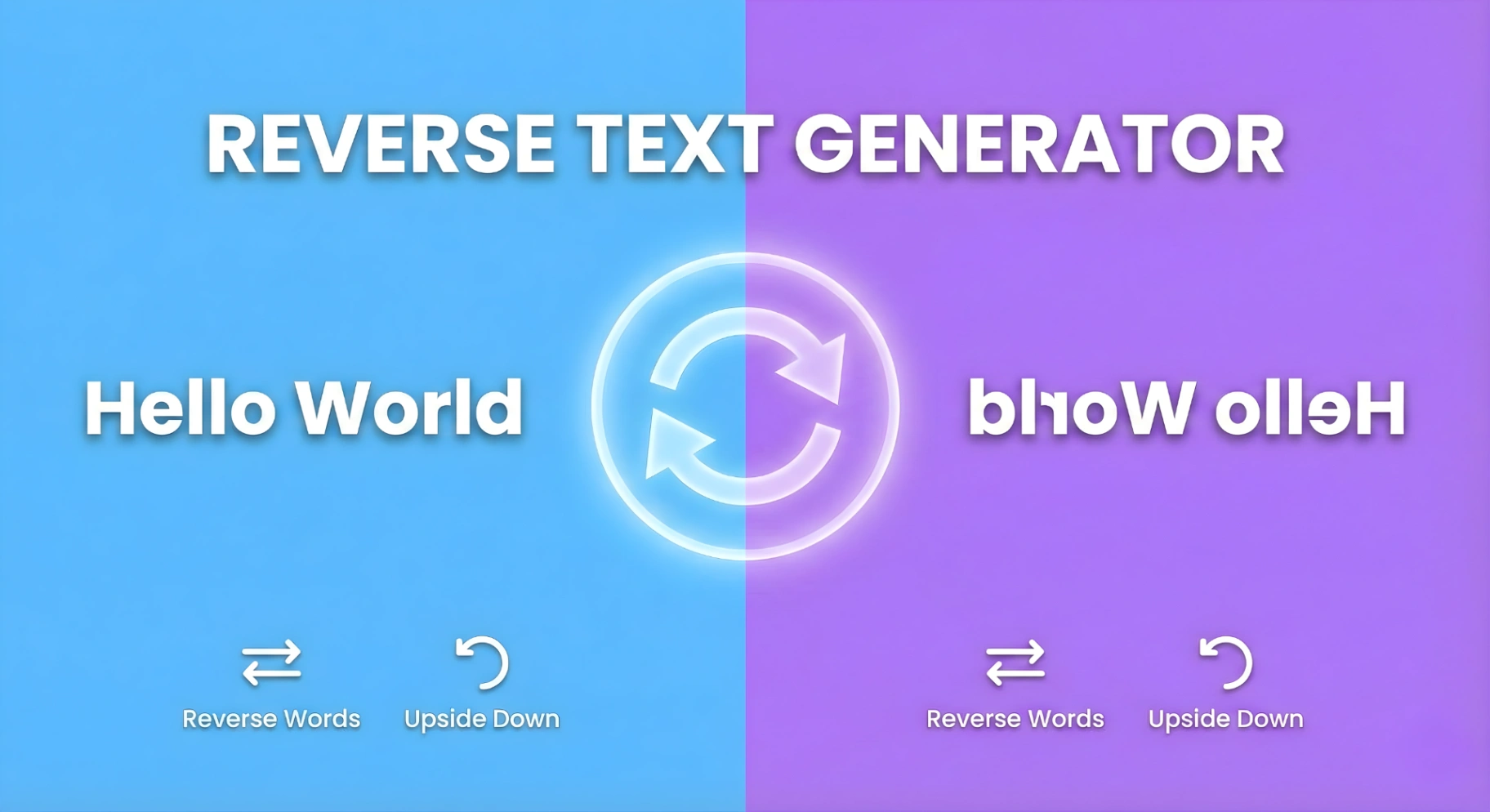
Have you ever tried to read a message in a mirror? It forces your brain to work differently, engaging a specific type of cognitive processing known as "mirror reading." From the secret journals of Leonardo da Vinci—who famously wrote his notes backwards to protect his ideas—to modern social media trends, reversed text has always fascinated us.
At iloveweb.tools, we’ve built a powerful Reverse Text Generator that lets you flip, mirror, and reverse text instantly. Whether you are creating a cryptic puzzle, trying to stop the scroll on social media, or just having fun, this tool handles the heavy lifting.
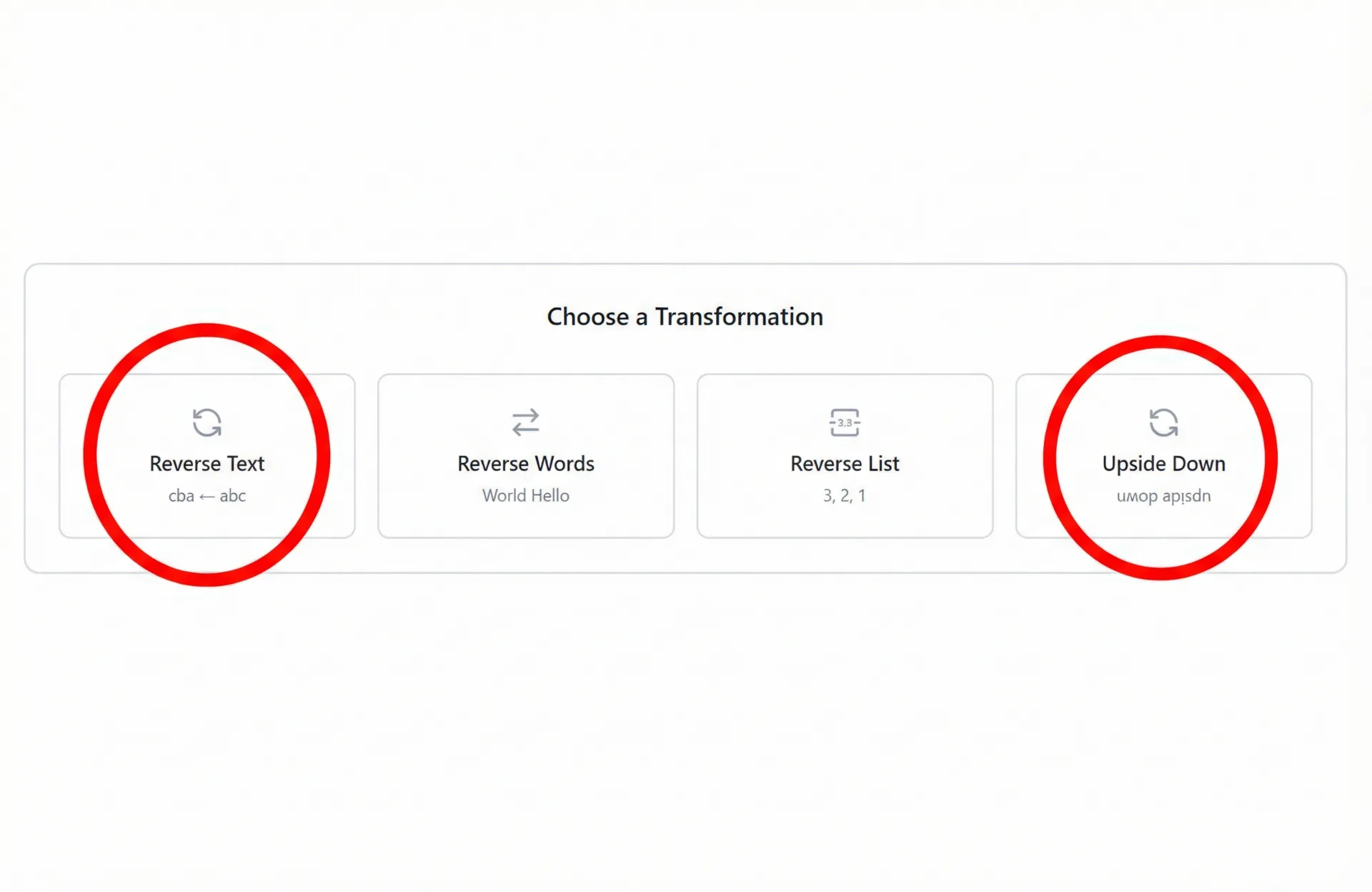
A backwards text generator is a tool that takes standard input (like "Hello World") and reverses the character order ("dlroW olleH"). However, our tool goes further. It doesn't just reverse the string; it offers multiple transformation modes:
cba <- abc).World Hello).3, 2, 1).uʍop ǝpısdn).Reversing text manually is tedious and prone to errors. Here is how to use our tool to do it in seconds.
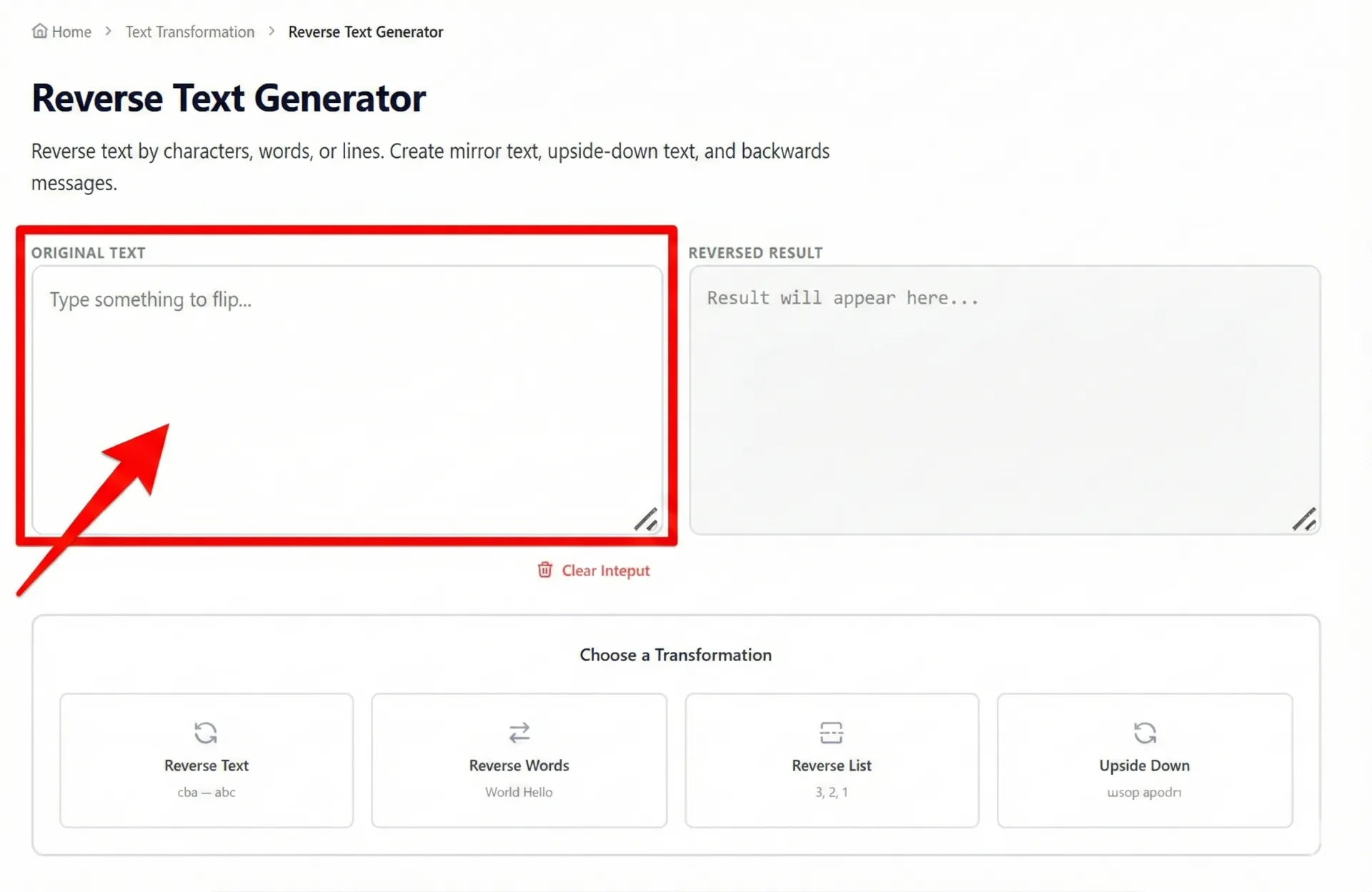
Navigate to https://iloveweb.tools/reverse-text. In the box labeled "ORIGINAL TEXT", type or paste the content you want to flip.
Below the text boxes, you will see the transformation panel. This is where the magic happens.
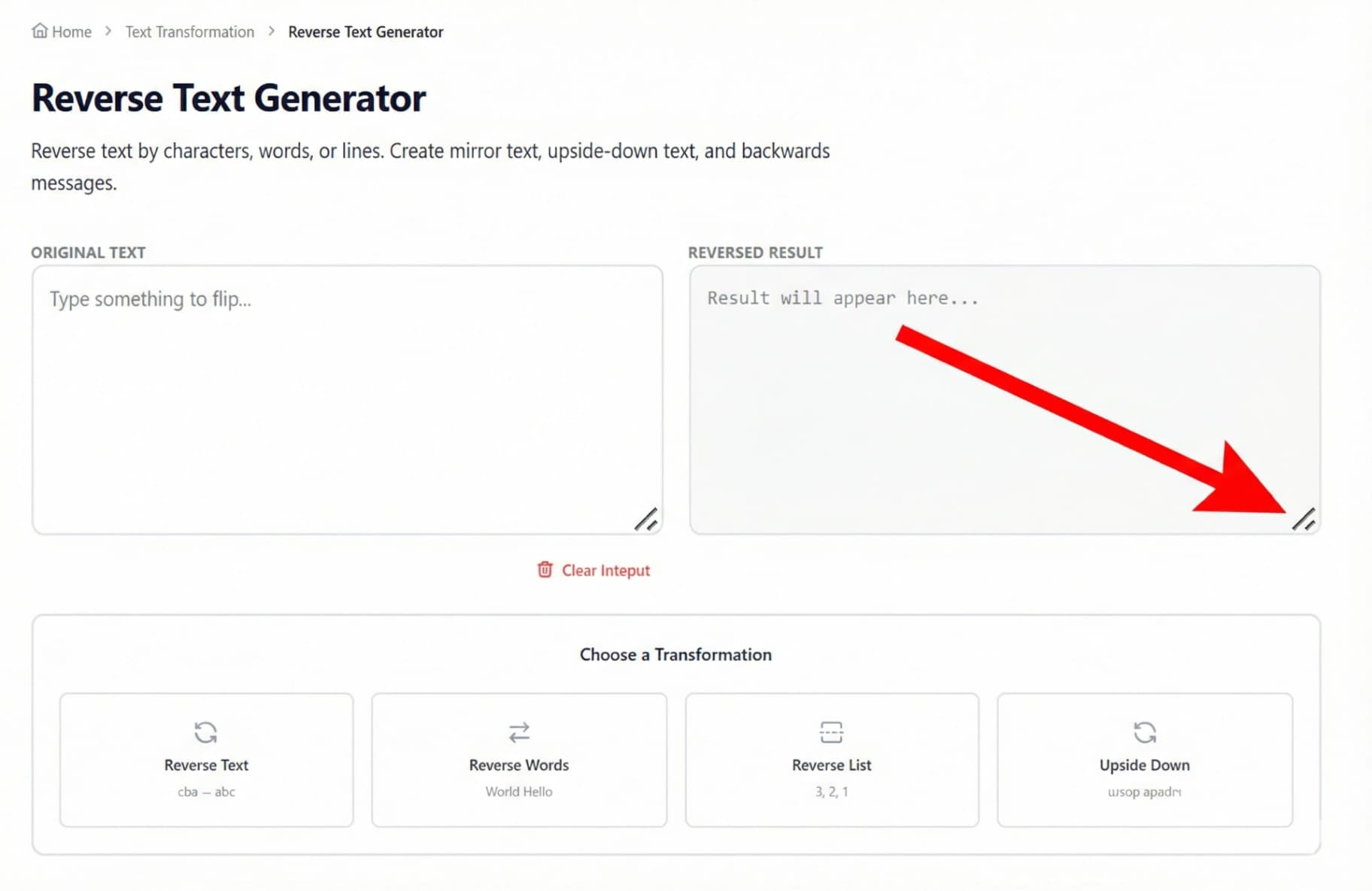
Your converted text appears instantly in the "REVERSED RESULT" box on the right. Simply copy it and paste it wherever you need—Facebook, Discord, Excel, or your coding project.
Why would you need to write backwards? The applications are more practical (and fun) than you might think.
On platforms like LinkedIn, X (Twitter), or Facebook, users scroll rapidly. Standard text blends in. Example:
Note: Always use a secure password manager.
However, for simple non-critical pins, some users use a "mental reverse" algorithm. If your PIN is 1234, you might write it down as 4321. Our Reverse List feature is excellent for developers testing simple encryption logic or reversing arrays of data during debugging.
Are you designing a scavenger hunt or a D&D campaign? Use the tool to generate clues that can only be read using a mirror. This adds a physical element to your puzzle solving.
Graphic designers use mirror text to create brutalist or cyberpunk aesthetics. Instead of manually placing each letter in Photoshop, generate the reversed string here and paste it directly into your design software.
Sometimes, data is exported in the wrong order (e.g., "Name, Surname" vs. "Surname, Name"). By using the Reverse Words feature, you can quickly reformat lists without complex spreadsheet formulas.
We analyzed hundreds of AI prompts and search queries to answer the most common technical questions about text reversal.
Many users search for "how to reverse text in word". Microsoft Word does not have a native "reverse text" button. To do it there, you usually have to insert a Text Box, go to "Format Shape," and select "3-D Rotation" to flip it 180 degrees.
Users frequently look for "excel reverse text" or "reverse text to columns".
In Excel, reversing the order of characters in a cell requires a complex formula like:
=TEXTJOIN("",TRUE,MID(A1,SEQUENCE(LEN(A1),,LEN(A1),-1),1))
Unless you are an Excel wizard, this is slow. Our tool handles this instantly for quick batches of text.
While you might search for "mobile apps to reverse text," you don't need to download an app that takes up storage space. iloveweb.tools is a Progressive Web App (PWA) friendly site. It works perfectly on your mobile browser—iPhone or Android—for quick social media comments or on-the-go editing.
Mirror writing isn't just a visual trick; it's a neurological feat. Most people are "left-hemisphere dominant" for language. Reading backwards forces the right hemisphere (spatial processing) to collaborate with the left.
If you enjoyed the Reverse Text Generator, you might find these other text manipulation tools useful for your daily workflow:
Whether you are a developer debugging a string, a social media manager looking for engagement, or just a fan of puzzles, the Reverse Text Generator is your go-to utility. Stop struggling with complex formulas in Excel or Word—flip your text in a single click.
Ready to flip the script? Start typing in the box above!

Accidentally typed in Caps Lock? Don't retype it. Discover how to instantly flip text case, fix capitalization errors, and generate trending alternating text styles for social media using our free Toggle Case tool.

Learn how to create perfect thesis statements with our free generator tool and expert tips. Get step-by-step guidance for academic success in essays, research papers, and dissertations.

Discover essential free text tools every college student needs for academic success. Learn how word counters, readability checkers, and formatting tools can streamline your writing process and improve grades.