

Accidentally typed in Caps Lock? Don't retype it. Discover how to instantly flip text case, fix capitalization errors, and generate trending alternating text styles for social media using our free Toggle Case tool.

We have all been there. You are deep in the flow of writing an email, a line of code, or a Discord message. You look up at the screen, and your heart sinks. You accidentally hit the Caps Lock key, and your sentence looks like this:
It feels aggressive, unprofessional, and shouting. In the early days of computing, your only option was to highlight the text, hit backspace, and retype everything manually. This wastes time and breaks your creative flow.
The solution is just a click away—try our Toggle Case tool now.
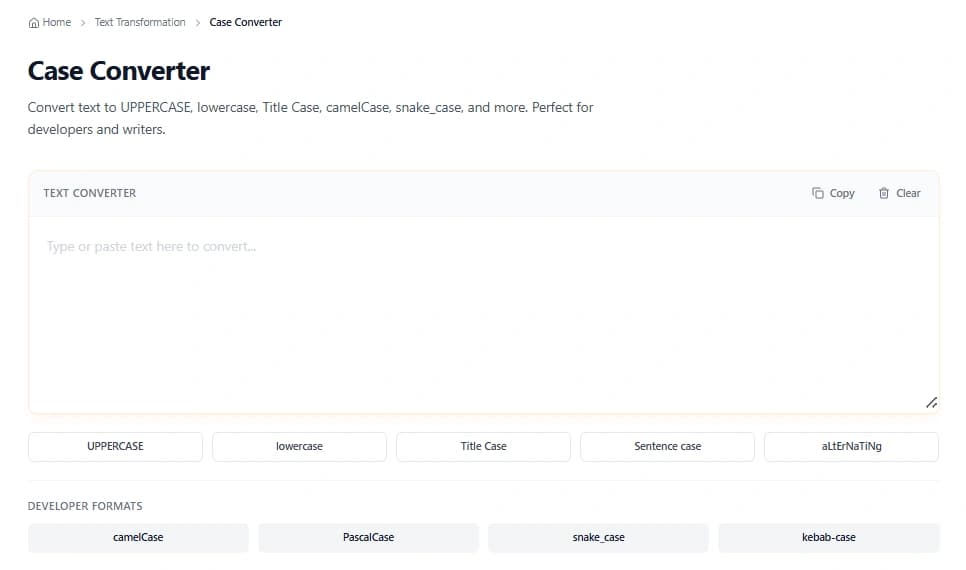
While often viewed as a simple utility, text case manipulation is a fundamental part of data hygiene, programming standards, and modern internet culture. From fixing accidental keystrokes to generating the chaotic alternating case used in viral memes, understanding how to control text case is more useful than you might think.
In this definitive guide, we will explore the mechanics of text flipping, how to use a random case converter for social media engagement, and how these tools fit into a broader web development and SEO workflow.
At its core, Toggle Case is a string manipulation function that iterates through every character in a given text string and inverts its binary state regarding capitalization.
If a character is uppercase (A), the function converts it to lowercase (a). If it is lowercase (z), it converts it to uppercase (Z). Non-alphabetic characters (numbers, symbols like @ or #) remain untouched.
While this seems simple on the surface, it saves hours of cumulative time for editors, data analysts, and programmers. You can access this functionality instantly using our free Case Converter.
If you spend any time on Twitter (X), Reddit, or TikTok, you have likely encountered text that lOoKs LiKe ThIs.
This style is technically known as Alternating Case, but it is colloquially referred to as "SpongeBob Case" or "Mocking Text." It originated from internet culture to convey a tone of sarcasm, mockery, or whimsy.
Typing lIkE tHiS manually is incredibly tedious. You have to hold and release the Shift key after every single keystroke.
A random case converter automates this by algorithmically applying uppercase or lowercase styles to characters. This isn't just for fun; it has legitimate uses in:
ShAdOw_HuNtEr vs Shadow_Hunter).While memes are fun, text transformation tools are essential for professional workflows. Here is how different industries utilize these tools daily.
In programming, naming conventions are strict. You might inherit a database where the columns are named in UPPER_CASE, but your JavaScript code requires camelCase.
Instead of rewriting hundreds of variables, a developer can:
SEO specialists often deal with keyword lists exported from various tools. Sometimes these exports come in all-caps or all-lowercase.
Human brains are bad at randomness. When we create passwords, we tend to capitalize the first letter and leave the rest lowercase (e.g., Password123!). Hackers know this pattern.
Using a random case converter on a passphrase increases its entropy (disorder), making it harder to crack via brute force.
orangejuiceoRanGeJuiCeUnderstanding how text case works helps you understand why errors happen. Computers do not "see" letters; they see numbers (Binary/Hex).
In the ASCII standard:
The difference between them is exactly 32.
When you click "Toggle Case" on our tool, the script is essentially checking the code of each letter. If the code is between 65-90 (Uppercase), it adds 32 to convert it to lowercase. If it is between 97-122 (Lowercase), it subtracts 32.
If you are interested in seeing the raw data behind your text, you can run your string through our Binary to Text or Hex to Text converters.
We have designed the tool at iloveweb.tools to be the fastest on the web. It processes text strictly in your browser (Client-Side), meaning your data never leaves your computer—ensuring 100% privacy.
Workflow Tip: After converting your text, you may want to ensure it fits specific length requirements. You can instantly check the stats using our Word Counter or Character Counter before publishing.
To truly master text editing, you should not use tools in isolation. Here is a "Power User" workflow for preparing a blog post or social media caption:
Q: Does Toggle Case affect numbers or special characters? No. Numbers (1, 2, 3) and symbols ($, %, &) do not have "case" variants in standard ASCII/Unicode. They will remain exactly as they are.
Q: What is the difference between "Title Case" and "Capitalized Case"?
"Capitalized Case" capitalizes the first letter of every word (e.g., The Quick Brown Fox). "Title Case" (often smarter) usually leaves minor words like "and", "of", or "the" in lowercase, depending on the style guide.
Q: Can I reverse text that has been Toggled? Yes! Since Toggle Case is a direct inversion, hitting the button a second time will revert the text back to its original state (assuming the original state was consistent). If you want to physically reverse the string order (e.g., "olleH"), use the Reverse Text Generator.
Whether you are a developer debugging code, a writer fixing a Caps Lock mishap, or a memer looking for that perfect alternating text style, manual editing is a thing of the past.
Tools like the Toggle Case converter are designed to remove friction from your digital life. They are simple, fast, and free.
Ready to fix your text? Go to the Case Converter Tool Now
Explore more free utilities at iloveweb.tools – your all-in-one suite for text analysis, transformation, and generation.
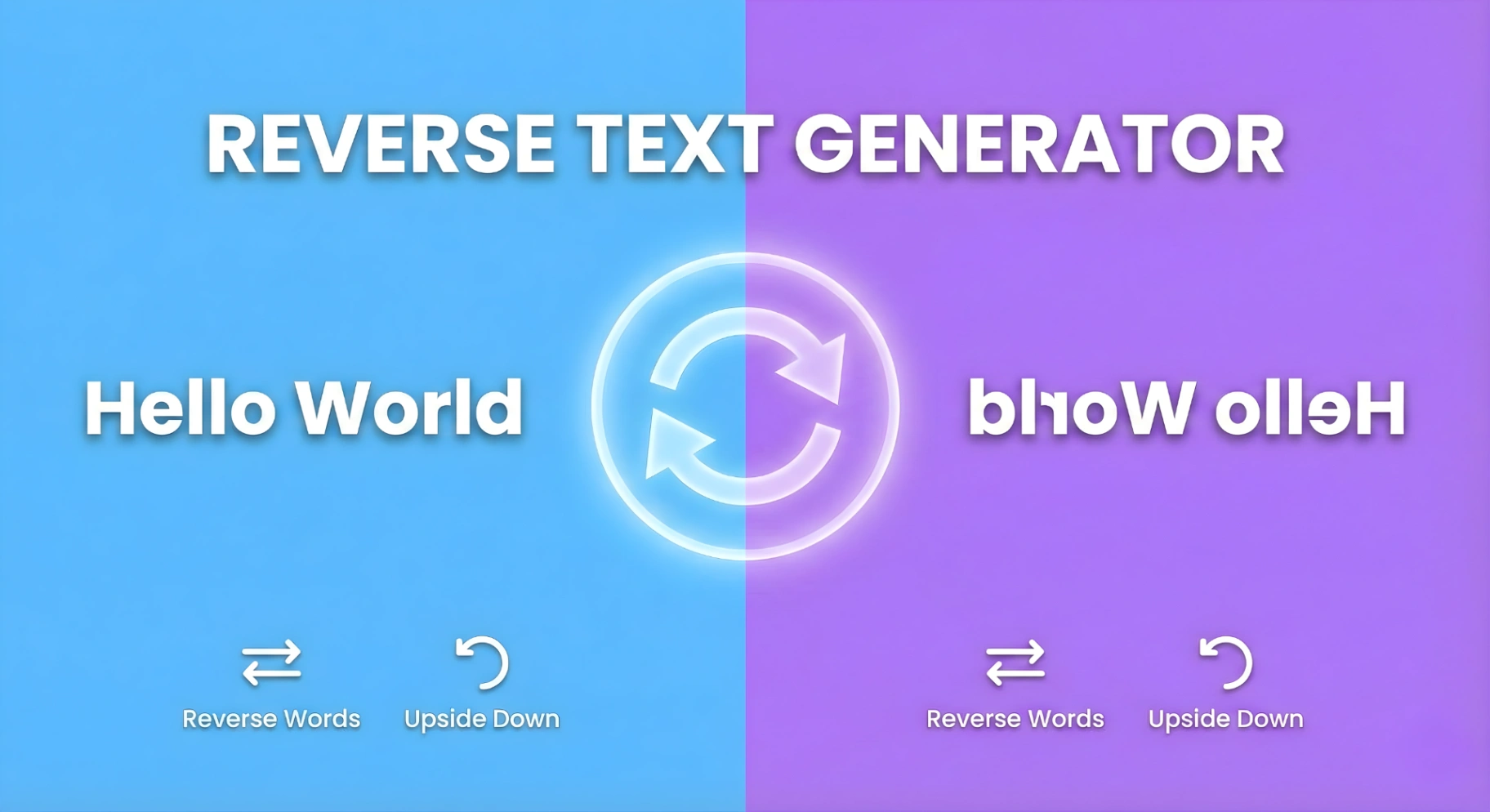
Want to write backwards or create cryptic mirror messages? Discover how to use our Reverse Text Generator to flip words, create upside-down text, and stop the scroll on social media with unique formatting tricks.

Learn how to create perfect thesis statements with our free generator tool and expert tips. Get step-by-step guidance for academic success in essays, research papers, and dissertations.

Discover essential free text tools every college student needs for academic success. Learn how word counters, readability checkers, and formatting tools can streamline your writing process and improve grades.