

Discover essential free text tools every college student needs for academic success. Learn how word counters, readability checkers, and formatting tools can streamline your writing process and improve grades.

College life is a whirlwind of assignments, research papers, and deadlines. From crafting that perfect thesis statement to formatting citations correctly, students constantly juggle various writing tasks. While many focus on content quality, having the right text tools can make the difference between a good paper and an outstanding one. In today's digital age, free text processing solutions are more accessible than ever, offering easy text manipulation that saves time and reduces stress.
At iloveweb.tools, we understand the unique challenges students face. That's why we've compiled this comprehensive guide to the essential student text tools that will streamline your academic workflow. Whether you're working on a 10-page research paper or a quick discussion post, these online text utilities provide simple text solutions for common writing challenges.
Pro Tip: Bookmark your favorite tools at the start of the semester to save time when deadlines approach.
Academic writing comes with specific requirements that general word processors often don't address. Professors typically have strict formatting guidelines, word count limits, and citation requirements. Using specialized academic text tools helps ensure you meet these standards efficiently.
Consider these common student scenarios:
These situations call for more than just basic editing. They require best text processing tools designed for academic purposes.
Every college student knows the importance of meeting word count requirements. Whether you're 50 words short or 200 words over, our Word Counter provides the fast text analysis you need. This tool goes beyond simple counting to give you detailed insights about your writing.
How to Use the Word Counter Tool:
Note: Many professors count words differently. Our tool gives you multiple metrics to ensure you meet any requirement.
Why This Matters for Students:
Academic writing should be clear and accessible. Our Readability Checker helps you assess how easy your text is to understand. This is particularly important when writing for different audiences or when professors emphasize clarity.
Key Features:
Consistent formatting is crucial in academic writing. Whether you need title case for headings, uppercase for acronyms, or proper capitalization for citations, our Case Converter makes it simple. This tool text solution handles all your capitalization needs in seconds.
Common Uses for Students:
When compiling research from multiple sources, you often end up with formatting inconsistencies, extra spaces, and unwanted characters. Our Text Cleaner is the ultimate generator text solution for creating clean, professional documents.
What It Can Fix:
Editing long documents can be tedious, especially when you need to make consistent changes throughout. Our Find and Replace tool streamlines this process, making it one of the most valuable converter text utilities for academic work.
Academic Applications:
Follow this practical workflow to optimize your writing process using our tools.
Begin by writing your paper in your preferred word processor. Don't worry about perfection at this stage—focus on getting your ideas down. Remember that how to text effectively starts with clear thinking and organization.
Image Suggestion 1: Show a student drafting a paper with various tools bookmarked in their browser.
Once you have a draft, paste it into our Word Counter. This gives you immediate feedback on:
Image Suggestion 2: Display the Word Counter interface with a sample student paper showing word count statistics.
Use the Readability Checker to ensure your writing is appropriate for your audience. Academic writing should be sophisticated but not unnecessarily complex.
What to Look For:
Run your text through the Text Cleaner to remove any formatting issues. Then use the Case Converter to ensure consistent capitalization throughout your document.
Image Suggestion 3: Show before-and-after examples of text cleaning and case conversion.
Use the Find and Replace tool to make any final corrections or updates. This is particularly useful for:
While the tools above cover most general needs, some students require more specialized solutions. Here are additional tools that might be helpful:
When writing literature reviews or research papers, understanding keyword usage is crucial. Our Keyword Density tool helps you analyze how frequently specific terms appear in your text.
Benefits for Research:
Computer science and engineering students often need to include code in their papers. Our JSON Formatter and HTML Formatter tools ensure your code examples are properly formatted and readable.
Language and literature students can benefit from our Word Frequency tool, which helps analyze text patterns, vocabulary usage, and stylistic elements.
To get the most from these tools, consider these strategies:
Create a Workflow:
Use Tools Proactively:
Don't wait until the last minute. Use these tools throughout your writing process to catch issues early.
Combine Tools:
Many of our tools work well together. For example, use the Word Counter first, then the Readability Checker, followed by the Text Cleaner.
Solution: Use the Word Counter throughout your writing process. If you're over the limit, look for:
Solution: The Readability Checker provides concrete suggestions for making your writing more accessible. Focus on:
Solution: Combine Text Cleaner with Case Converter to ensure uniform formatting. Pay special attention to:
For longer projects, consider using our Paragraph Counter to ensure proper structure and our Line Counter for formatting checks.
When collaborating, use our Text Compare tool to merge contributions from different team members efficiently.
Use the Case Converter for consistent slide titles and the Text Cleaner to prepare speaker notes.
Mastering text tools is no longer optional for college success—it's essential. The right free text processing utilities can save you hours of work, improve your grades, and reduce writing-related stress. By incorporating these online text solutions into your routine, you'll develop more efficient writing habits and produce higher-quality academic work.
Key Takeaways:
Remember that these are free text tools designed specifically to help students succeed. Whether you're working on a simple essay or a complex research paper, having the right academic text tools at your fingertips can make all the difference in your college journey.
For more specialized text processing needs, check out our existing articles on How to Compare Two Texts and Find Differences Instantly and Reverse Text Generator: Write Backwards, Create Mirror Text, and Flip Your Words.
Final Thought: The most successful students aren't just those who work hard—they're those who work smart. By leveraging these best text tools, you're investing in both your current academic success and your future professional development.

Learn how to create perfect thesis statements with our free generator tool and expert tips. Get step-by-step guidance for academic success in essays, research papers, and dissertations.
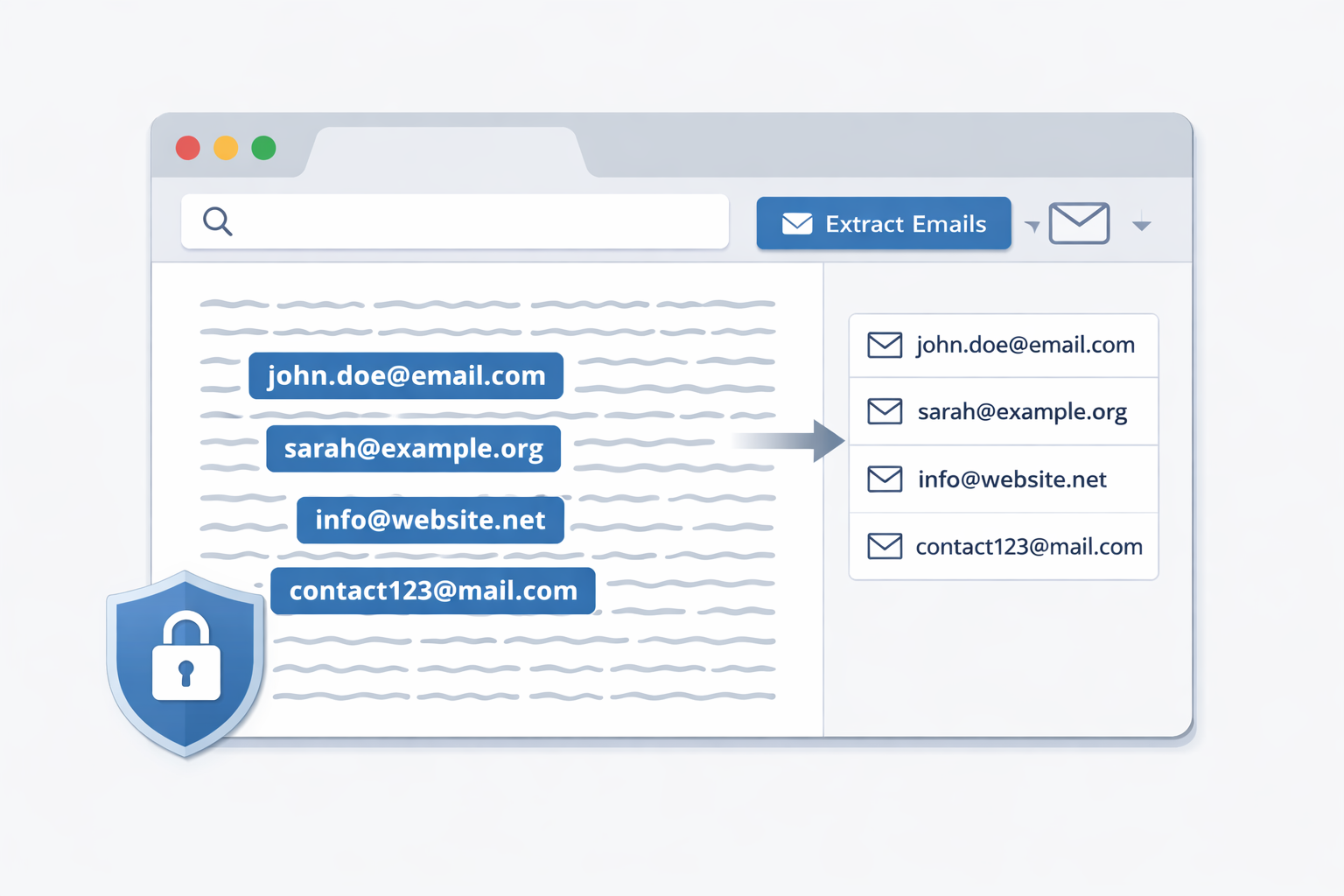
Extract email addresses from large blocks of text directly in your browser. This privacy-first guide shows how to safely extract emails without uploading or storing your data, using a client-side email extractor.
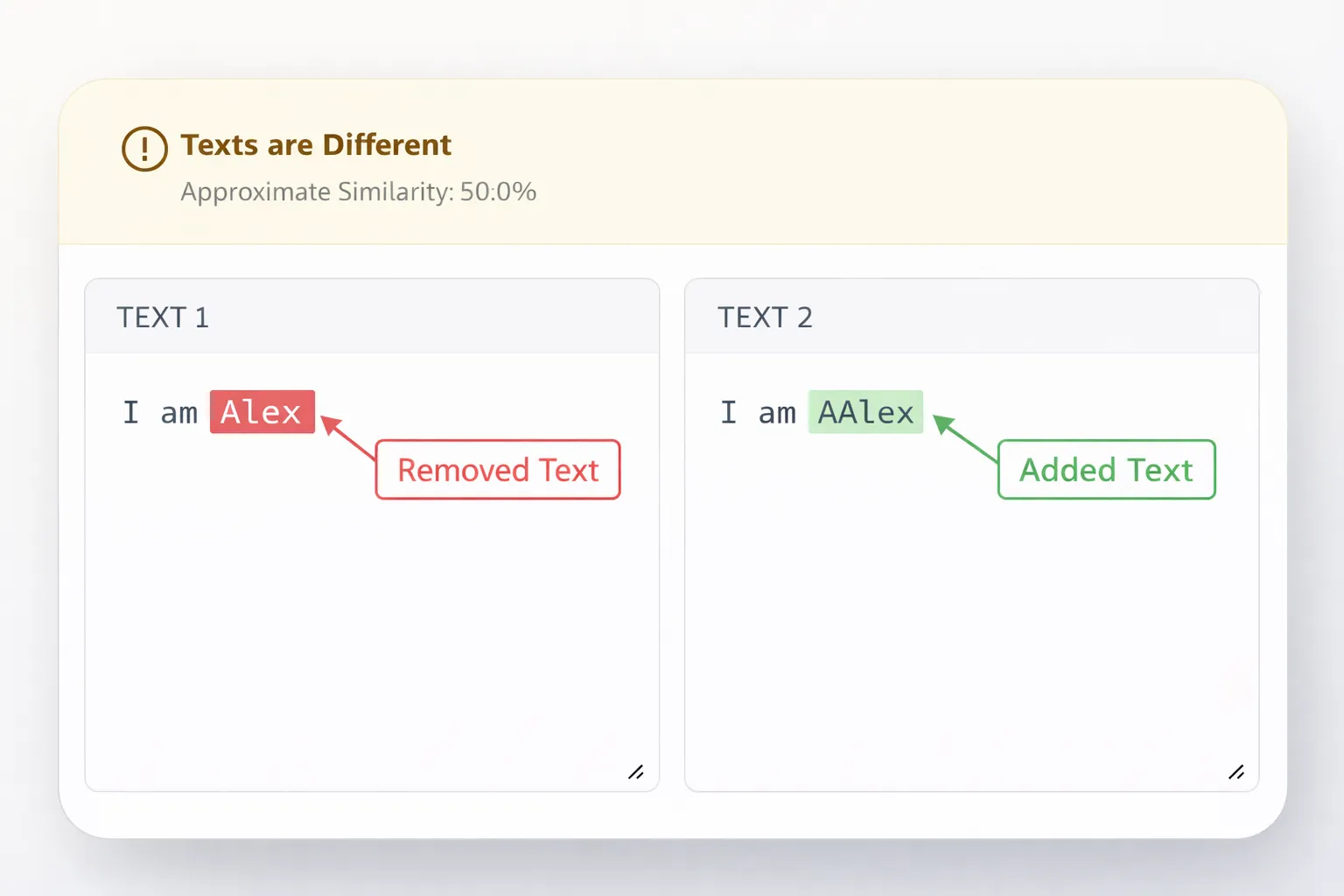
Compare two texts instantly and highlight added, removed, or modified content using a fast and reliable text difference tool—no manual checking required.